



River Spin Mobile Platform
We wanted the Riverspin app to feel simple and stable without heavy downloads. It runs right from your browser as a web app, so you’re in within seconds. All the main features are there: games, account settings, payments and even verification. The layout adjusts to your screen but stays easy to navigate. And since everything syncs across devices, you can switch from phone to desktop without losing your place—plus get notifications about promos and tournaments so you’re always in the loop.



Everything the Riverspin App Offers
You can play all the Riverspin Casino games in our app anywhere. It downloads in seconds and launches with one tap. You don’t have to be stuck at your desk anymore.
The mobile version of Riverspin Casino is lightweight, so it almost doesn’t take up storage space. With our software, you can have the whole functionality of the mobile casino right in your pocket.
Push notifications make the whole gaming experience better. You’ll get updates on promos, tournaments, and new games—so nothing important slips through the cracks. No need to keep checking the site yourself. Also, the River Spin application has the same security and encryption measures as the site.
Riverspin for iOS
For iOS users, River Spin Casino has a browser-based solution that works through Safari and installs as a simple shortcut on your home screen with no external downloads.
The interface is built for touch screens, so everything feels smooth. A few taps and you’re where you need to be. Games load directly in the app and launch quickly. The Riverspin app works just as well on iPhone as on iPad. You don’t have to search for our app in the App Store. To download our app to your gadget, follow these simple steps:
- First of all, you need to open Riverspin Casino in your Safari browser.
- After that, you should click the share button at the bottom of the screen.
- If you scroll down the menu, you’ll see “Add to home screen.”
- Finally, you can tap “Add” and complete the shortcut.
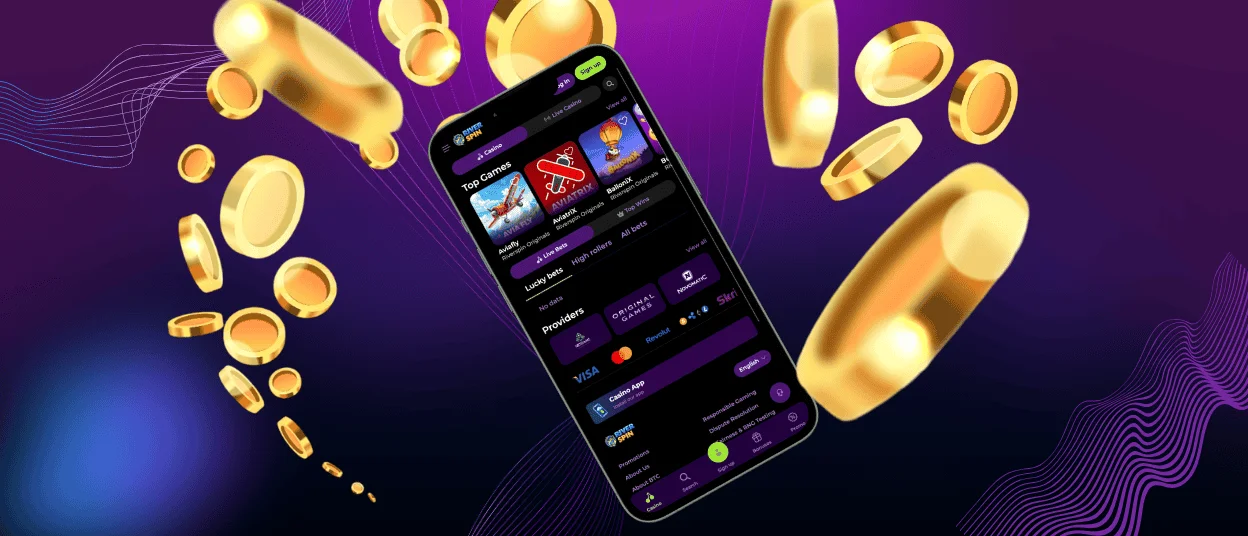
Riverspin Android Solution
The Riverspin app is available on all Android devices. The mobile software runs fast and keeps a stable connection, so you can play anytime without limits. It was optimized for this operating system to support a smooth experience. Our application is a PWA (Progressive Web App), so it downloads quickly. There’s no application in Google Play, so do not download any suspicious files.
The main advantage is speed. The app loads fast and gives you stable access to everything—games, bonuses, tournaments with no delays. Plus, it updates automatically, so you’re always on the latest version without having to think about it.
Installing the Riverspin application for Android is easy:
- You need to open your browser and go to our website.
- Next, you should open the menu and select the “Add to Home Screen” option.
- Then, confirm the installation, and the Riverspin Casino icon will appear on your screen shortly.
Why Choose River Spin Casino App
The River Spin app puts the casino right on your phone. The big difference from a desktop is portability. Plus, we’ve got a “no keyboard” mechanic for adjusting settings and launching games. It’s basically a full mobile casino in your pocket.
Desktop gives you a bigger screen, but the app makes up for it with a touch-friendly interface and push notifications. You can do everything on mobile that you can do in a browser: verify your account, deposit and withdraw, claim bonuses, and play any games.
| Aspect | Mobile App | Desktop (PC) |
| Access | One tap from the home screen. | Open through a browser. |
| Interface | Compact, touch-optimized layout with simplified controls. | Full layout with extended menus. |
| Navigation | Optimized touch controls. | Mouse-based navigation with larger menus. |
| Speed | Fast loading, optimized for mobile performance. | Stable performance supported by higher hardware capacity |
| Features | Full platform access | Full platform access |
| Notifications | Push notifications are on the home and lock screens. | Notifications delivered via email |
| Flexibility | Accessible from any location with mobile internet | Limited to desktop or laptop use |
| Battery Use | Higher consumption during extended sessions, especially live content. Minimum 20% recommended for stable use. | No noticeable impact on laptop performance. |
| Storage Space | Lightweight app, around 1 GB of free space recommended | No storage required, browser-based access |
| Internet | Stable mobile data or Wi-Fi connection recommended. | Works with wired or Wi-Fi connection. |
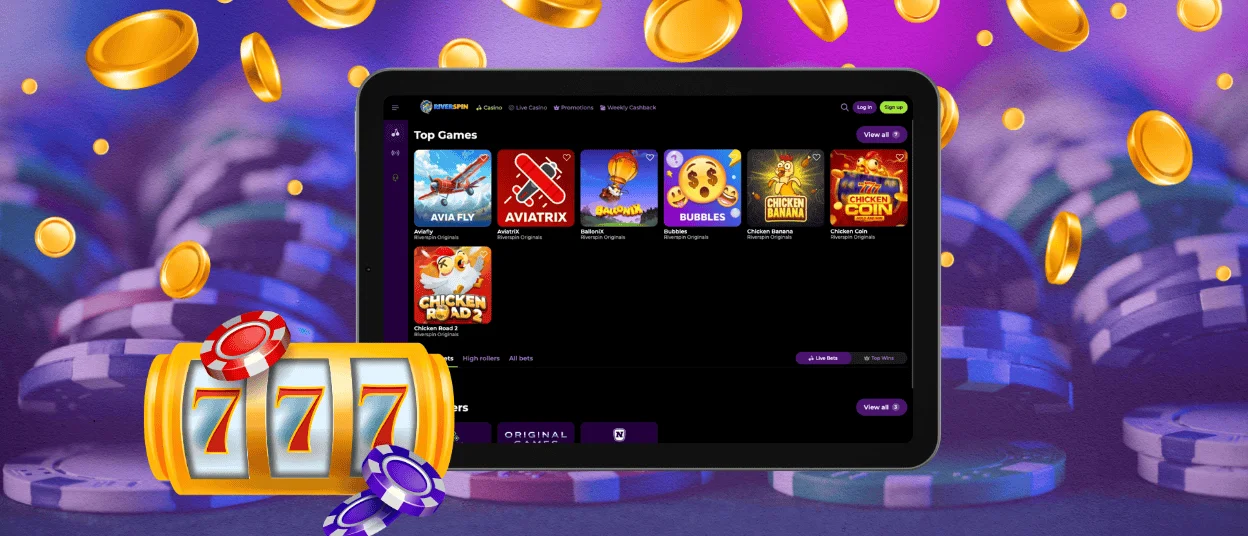
Riverspin Web App for Windows and Mac
On a desktop, you can use either a regular browser or set up the Riverspin Casino web app shortcut. No extra software to install. Just open the platform directly or create a shortcut for quicker access.
The desktop version takes advantage of larger screens—clear layout, better game visuals. Navigation is built for mouse and keyboard, so you get more precision and control.
You can also install the web app on your desktop if you want. It basically creates a shortcut that acts like its own app. One click and you’re in, no need to open the browser manually. And feature-wise, it’s the same as the mobile version.
All functions are available on desktop:
- Account management
- Payments
- Verification process
- Playing online slots, table games, live dealer sessions, and instant wins.
- Bonuses
- Tournaments
- Responsible gaming tools and more.

FAQ
Can I switch from my phone to my computer without losing my progress?
Riverspin Casino uses one account system that updates everything in real time. Your balance, active bonuses, game history, settings stay the same. Just log in with your details, and you pick up right where you left off.
Are bonuses and tournaments available on mobile?
Bonuses and tournaments work just fine on the Riverspin app too. We offer the same promotions across all platforms and on all devices. You can activate offers and participate in tournaments right from your phone with no restrictions.
How can I update the Riverspin app?
The Riverspin app runs as a progressive web app, so updates happen automatically each time you open it. No need to download or install anything manually. Just launch the app, and you’re already on the latest version with all the new stuff and fixes.
If I delete the app shortcut, how do I reinstall it?
If you need to reinstall the app, just follow the same steps as before. Open the Riverspin Casino website in your browser and add it back to your home screen. Then log in with your usual account details—your data comes right back. If you need a hand, our support team is available on live chat.


